Wildflower Swag: Digital Ephemera Guide
There is a distinct joy in holding a handmade card or flipping through a journal page that feels layered, textured, and personal. For creators who love the aesthetic of vintage botanicals but lack the time to press real flowers or paint watercolors, digital resources offer a perfect middle ground. Wildflower Swag represents a curated collection of these delicate elements, designed specifically for modern crafters who value both convenience and high-quality results. Whether you are a seasoned scrapbooker or someone just starting to explore junk journaling, understanding how to leverage these digital assets can transform your creative workflow.
Understanding the Digital Format
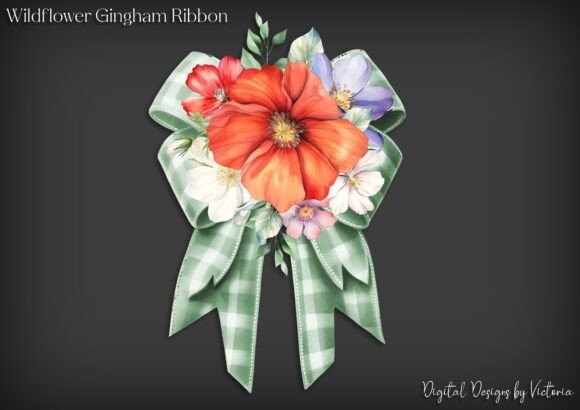
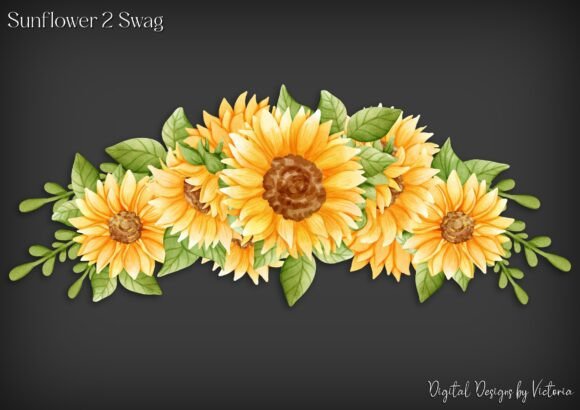
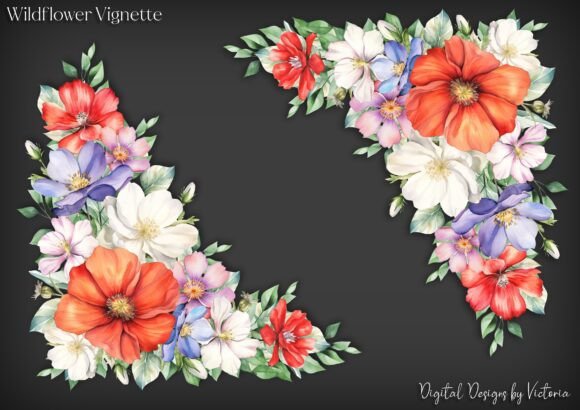
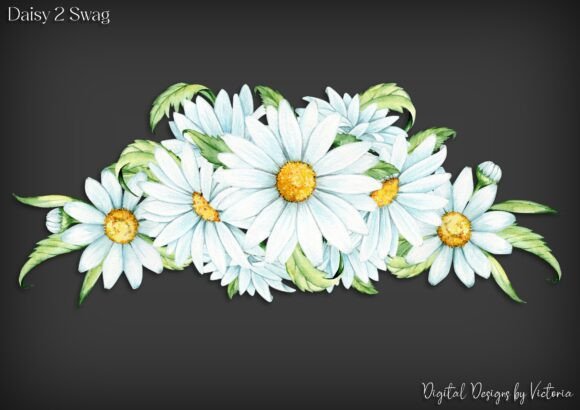
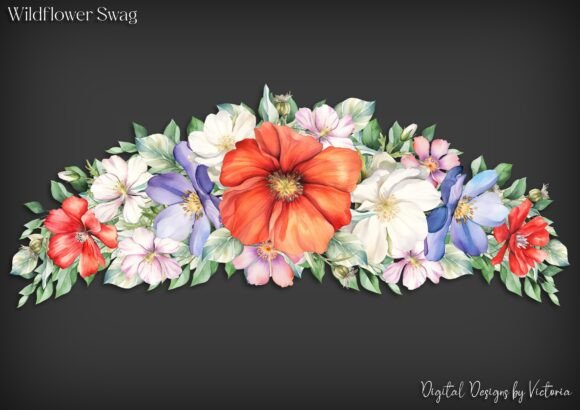
At its core, this product is a set of digital files, but the specific structure matters significantly for usability. When you purchase this collection, you receive five individual PNG files. The critical feature here is that each layer is on its own transparent background. This technical detail is what separates professional-grade digital ephemera from basic clipart. A transparent background means there is no white box surrounding the flower or leaf. You can place these elements directly onto patterned paper, dark cardstock, or photographs without needing to erase edges or worry about unsightly white halos.
In addition to the individual layers, you receive one grouped file. This combined version is optimized for easier resizing. If you need a large centerpiece for a greeting card, scaling the grouped file ensures all elements maintain their proportion relative to each other. Furthermore, the package includes the grouped file on a JPG background. This might seem redundant if you are used to digital design, but it serves a specific purpose for traditional crafters: fussy cutting. If you prefer working with physical scissors rather than digital layouts, you can print the JPG version, cut out the entire cluster, and adhere it to your project as a single, cohesive embellishment.
Why Resolution and Quality Matter
One of the most common frustrations for beginners in digital crafting is printing images that appear pixelated or blurry. This happens when files are saved at low resolutions, typically 72 DPI (dots per inch), which is standard for web screens but inadequate for print. Every file in the Wildflower Swag collection is saved at 300 DPI. This high resolution ensures that when you print these images, the lines remain crisp, the colors stay vibrant, and the details do not break down into visible squares.
This quality standard supports versatility. You can resize the elements significantly—making them smaller for intricate collage work or larger for bold statement pieces—without sacrificing clarity. For small business owners selling handmade goods, this reliability is essential. It ensures that every product you create, from wedding invitations to decorative tags, maintains a professional appearance that customers expect.
Practical Applications for Creators
The versatility of these botanical elements allows them to fit seamlessly into various creative projects. Here are some practical ways to integrate them into your work:
- Junk Journaling: Use the individual PNG layers to build depth on your pages. Place a stem behind a text block and a bloom in the foreground to create a three-dimensional effect without the bulk of real dried flowers.
- Card Making: The grouped JPG file is ideal for quick, elegant greeting cards. Print, fussy cut, and mount the cluster on textured cardstock for a sophisticated look that requires minimal assembly time.
- Scrapbooking: Enhance travel or nature-themed photos by overlaying the transparent PNGs. Because they are transparent, they blend naturally with your photos, adding a whimsical border or accent without obscuring important memories.
- Digital Planning: For those who use tablets for planning, the transparent PNGs can be imported directly into apps like GoodNotes or OneNote to decorate digital spreads.
Considerations Before You Start
While digital ephemera simplifies many aspects of crafting, there are a few things to keep in mind to ensure the best experience. First, consider your printing method. Home inkjet printers are great for standard cardstock, but if you want a heavier, more luxurious feel, you may need to use a laser printer or take your files to a local print shop. Always test print one sheet first to check color accuracy, as monitor settings can vary widely from printer output.
Second, think about licensing and usage rights. If you plan to sell items created with Wildflower Swag, such as printed stickers or custom journals, verify the commercial use terms provided by the creator. Most digital art sellers allow small-scale commercial use for physical handmade items, but restrictions often apply to mass production or reselling the digital files themselves.
Finally, organization is key. Since you receive multiple file types (individual PNGs, grouped PNG, and JPG), create a dedicated folder on your computer or cloud storage. Label them clearly so you can quickly grab the transparent layer for digital compositing or the JPG for physical cutting. This small step saves considerable time during the creative process.
Enhancing Your Creative Toolkit
Incorporating high-quality digital elements like Wildflower Swag into your routine does more than just save time; it expands your artistic possibilities. You gain access to perfectly preserved botanicals that never wilt, fade, or crumble. This consistency allows you to develop a recognizable style across your projects. For educators and workshop leaders, these resources are invaluable for teaching layout and composition without the mess and variability of organic materials.
Ultimately, the value lies in the balance between digital precision and tactile creation. By providing files that are ready for both screen-based design and physical manipulation, this collection bridges the gap between technology and traditional craft. It empowers you to focus less on preparing materials and more on the act of creating itself.